
Technology
What to Check Before Connecting Any MCP Server to Your Account

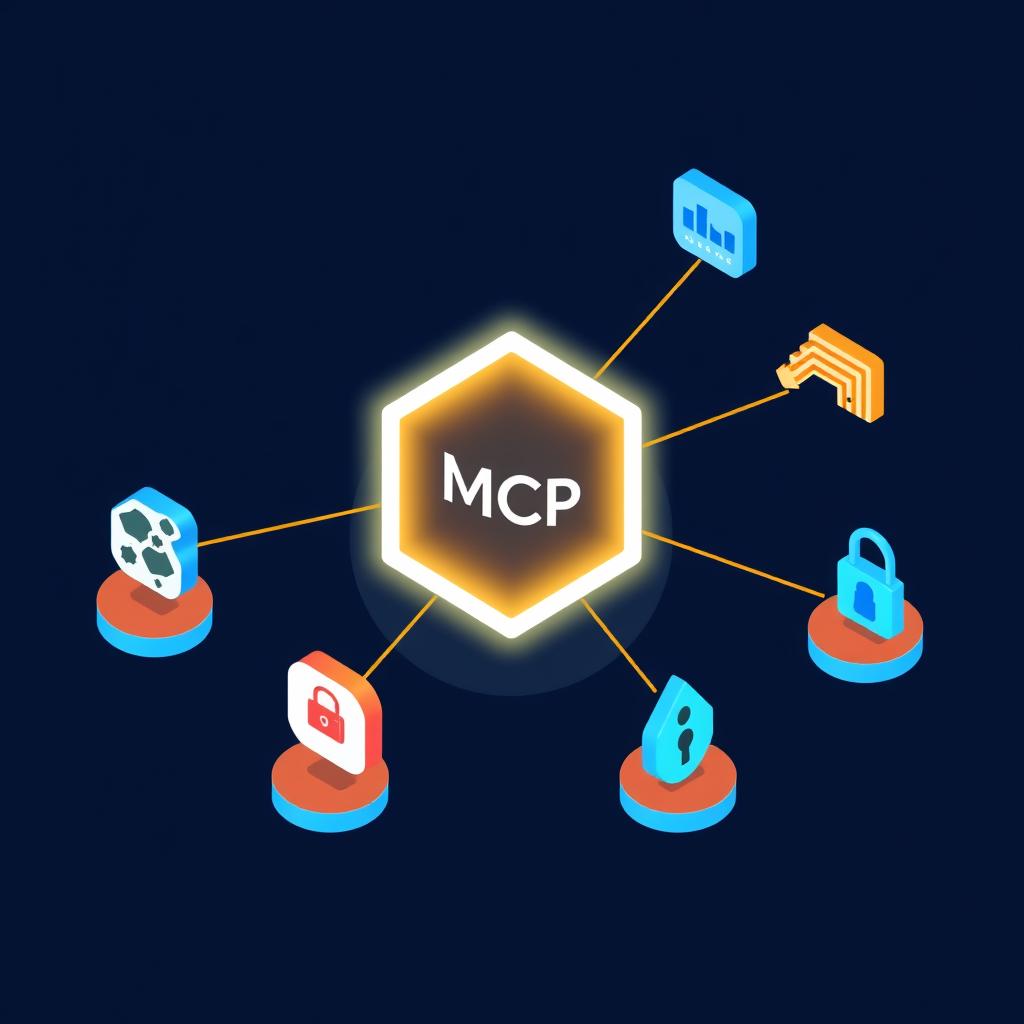
Connecting an AI assistant to an outside tool is convenient and, like any authorization, worth a moment of thought. With thousands of MCP servers available, a few minutes of due diligence is a reasonable habit rather than paranoia.
This checklist applies to any connector, and it uses Phrasly’s server as a worked example of what clear answers look like.
Why It Matters
An MCP server can read data, take actions, or both, depending on what it offers and what you permit. Public registries now list tens of thousands of servers, and counts vary widely because they include abandoned and duplicate entries. Quality and trustworthiness are very uneven.
The protocol itself is governed by the Agentic AI Foundation under the Linux Foundation, but governance of the standard says nothing about any individual server. Each one deserves its own scrutiny.
A Practical Checklist
- Who runs the server, and is it a company you would trust with the same data anyway?
- Does it use sign-in with a clear approval screen that lists permissions?
- Does it act only on your own account, or can it reach other data?
- Can you disconnect easily, and does disconnecting end access immediately?
- Is there documentation that explains limits, logging, and data handling?
Reading an Approval Screen
The approval screen is your main point of control. It states what the connection is allowed to do. If the permissions look broader than the tool’s purpose, that is a reason to pause. A text-checking tool has no obvious need for access to unrelated files, for instance.
What Clear Answers Look Like
Taking an MCP connector like Phrasly’s as an example: it uses OAuth sign-in, shows an approval screen, acts only on the account you sign in with and only for the permissions shown, and can be disconnected at any time from your Phrasly settings.
The same page explains that requests run on your own account with the same limits and word balance as the website, that rewritten text is saved to your document history, and that rate limits, occasional human checks, and request logging help keep automated abuse off the platform.
Likewise, the AI detector on the website runs the same scan as the connected check, which makes any discrepancy easy to spot.
Data and Privacy Questions
Before sending sensitive text through any connected tool, check what happens to it. Is it stored? Where? Can you delete it? For Phrasly, rewritten text is saved to your document history in the same way as on the website, so it can be reopened and refined later.
If you work with confidential or regulated material, check your organization’s policy first. Some employers restrict which external tools can receive client text.
Ongoing Hygiene
Review your connected tools every few months. Remove those you no longer use. Prefer connectors from providers with a track record and a support channel. Treat a new connection the way you would treat installing a new application, with a quick look before agreeing.
Questions to Ask Your Organization
Before connecting a tool for work use, it is sensible to ask whether the organization has a policy on external connectors, who approves new ones, and what categories of text may be sent to them. Many teams have rules for this already, written for other kinds of software.
- Is there an approved list of connectors?
- Who can authorize a new connection on a company account?
- Which kinds of documents are off limits for external tools?
A Calm, Practical Standard
The right posture is neither enthusiasm nor alarm. Connectors are a normal part of how AI assistants are used, and most are reasonable. A few habits, reading the approval screen, preferring familiar providers, and pruning unused connections, handle the vast majority of the risk.
Revisiting those habits every few months is enough. The ecosystem changes quickly, and a quick review keeps the connected tools aligned with what you actually use.
Evaluating a Provider’s Track Record
A provider’s history is one of the best predictors of how a connector will behave. Look for a company with a public presence, documentation that is kept current, and a way to contact support. A connector built by a hobbyist is not necessarily bad, but it carries more uncertainty, and the stakes grow with the sensitivity of the data.
Reading recent reviews, release notes, and community discussions provides a quick sense of whether a connector is actively maintained. Abandoned tools are a risk because security fixes and compatibility updates stop arriving.
Understanding Rate Limits and Logging
Responsible providers describe how they limit and log requests. Rate limits protect the service from abuse, and logging helps investigate problems. Neither should be a concern, but a provider that says nothing about them leaves users guessing. Clear statements are a good sign of operational maturity.
- Check whether usage limits are described.
- Look for an explanation of what is logged and why.
- Note any human verification steps and what triggers them.
- Confirm how to contact support if something goes wrong.
Making It a Team Practice
Organizations can turn this checklist into a short internal form that anyone adding a connector fills in. It takes five minutes, creates a lightweight record, and helps security or IT teams see which tools are in use. The goal is awareness, not obstruction, and a friendly process gets used.
A Five-Minute Review Template
A short, repeatable review keeps the process proportionate. Before approving any connector, answer five questions in writing: what does it do, who runs it, what does it access, how do I disconnect it, and what happens to my text. Keeping the answers in a shared note builds a useful record and makes later audits quick.
For low-risk tools that only check public text, a fast review is enough. For tools that touch sensitive data, take longer and involve whoever owns security or compliance in your organization.
- What does the connector do?
- Who operates it?
- What can it access?
- How do I disconnect it?
- What happens to my text?
When to Say No
Sometimes the right decision is not to connect a tool. If the provider cannot explain what the connector does, if the permissions are far broader than the purpose requires, or if there is no easy way to disconnect, walking away is reasonable. Convenience is valuable, but it is rarely worth more than control over your own accounts and data.
It is also fine to wait. A newer connector from a smaller provider may become a good choice later, once it has a track record. There is rarely a deadline for adding a tool, and a cautious pace costs little.
Teams can make this easier by keeping a short list of approved connectors and a simple route for requesting additions. That way people are not left to make security judgments alone, and good tools still get adopted promptly.
Treated this way, connecting tools becomes a routine, well-understood part of working with AI assistants instead of a source of anxiety. A short checklist, a brief record, and a willingness to say no occasionally are all that most people need to use connectors safely and confidently.
MCP makes connecting tools easy, which is exactly why a short checklist is worthwhile. Clear permissions, account-scoped access, easy disconnection, and plain documentation are the signs of a connector that respects the person using it.


Finding Games Repetitive? Baccarat Variations Can Offer Different Experiences

What to Check Before Connecting Any MCP Server to Your Account

Step-by-Step Instructions to Check Winning Numbers on Web Portals

Corporate Gifts for Better Business Brand Promotion Now

Understanding Single-Account Gaming Platforms and Their Benefits

How Pay Per Lead Loan Affiliate Programs Create New Revenue Opportunities

How Changing Rules Could Define the Next Era of Sports Betting Apps

How High-Speed Rail Can Build Stronger Local Economies

Safer Aging at Home: A Daily Plan for Mobility, Fall Prevention, and Peace of Mind

BPC-157 UK: A Research-Focused Guide to the Experimental Peptide

Teeth Whitening Options: What Actually Works

Online Gaming and Comedy Gold: Kevin Hart Takes to the (Digital) Stage

Mexico City museums, parks and food markets: a culture-first itinerary

Mr Fog Nova: What to Know About This Modern Vape Option

What are the Benefits of Receiving Healthcare Services at Home?

The Company Gaming That AI Agents Can Out-Hack the Internet’s Biggest Platforms


Don Toliver Net Worth: Height, Age, Real Name, Career & More
Don Toliver is an American rapper and singer best known for his RIAA platinum certified songs, No Idea and After...


Finesse2tymes Net Worth: Height, Age, Real Name & Career
Finesse2tymes is an American rapper and recording artist. He is mainly recognized for his thunderous voice and motivational lyrics in...


Sugarhill Ddot Net Worth: Height, Age, Real Name & Career
Sugarhill Ddot is an American hip-hop recording artist best known for his songs, Real Facts and I Wanna Love You....


GloRilla Net Worth: Height, Age, Bio, Real Name & Career
GloRilla is an American rapper and hip-hop recording artist from Memphis. She is best known for her popular singles, “Westside...


Destroy Lonely Net Worth: Height, Age, Real Name & Career
Destroy Lonely is an American rapper best known for his 2022 mixtape, No Stylist. He is currently signed to rapper...
-
Rappers2 years ago
GloRilla Net Worth: Height, Age, Bio, Real Name & Career
-

 News2 years ago
Trash To Treasure: Maximizing Space And Efficiency Through Junk Removal
-

 Businessman3 years ago
7 Proven Lead Generation Strategies To Implement in 2023
-
 Businessman2 years ago
Brandon Fugal Net Worth: How Rich is Skinwalker Ranch Owner?
-

 Rappers3 years ago
BigXthaPlug Net Worth: Height, Age, Real Name & Career
-

 TV Stars2 years ago
Kaleb Cooper Net Worth: How Rich is the TV Star Actually?
-

 Internet Stars4 years ago
Mufti Menk Net Worth: How Rich is the Islamic Speaker Actually?
-

 TV Stars2 years ago
Carla Diab Net Worth: How Rich is the TV Star Actually in 2025?
You must be logged in to post a comment Login